
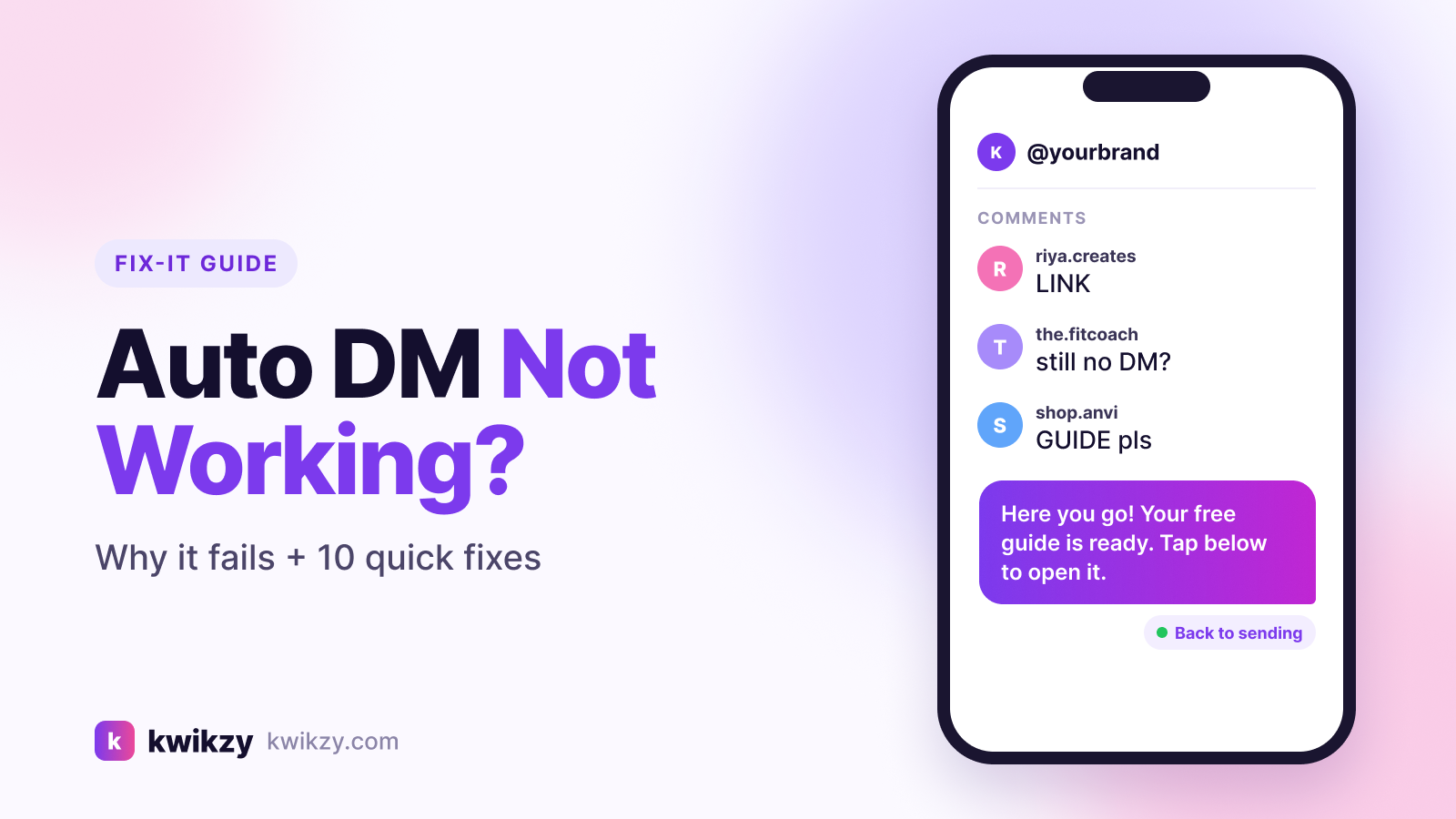
If your Instagram auto DM is not working, the cause is almost always a setting, a Meta rule or a limit, not a ban and not a broken tool. Someone comments "LINK", waits, and nothing arrives. That's a lost lead, and often a confused follower asking again in the comments.
This guide walks through the 10 most common reasons comment-to-DM automations fail to send, in the order worth checking them, plus Meta's actual sending limits so you know what's normal and what isn't.
Start here: a 2-minute triage
Before working through the full list, answer three questions:
- Do comment replies post, but the DM never arrives? It's almost always the "Allow access to messages" setting (Fix 1).
- Does nothing fire at all, not even a public reply? Check the connection, the keyword and the post selection (Fixes 2–4).
- Do some people get the DM and others don't? Look at Message Requests, privacy settings, repeat comments and limits (Fixes 6–9).
Instagram auto DM not working? 10 fixes to check
1. "Allow access to messages" is turned off
Instagram blocks connected tools from your inbox unless this toggle is on. It's the number one reason a tool can reply to comments publicly but can't send the DM.
Fix: In the Instagram app, go to Settings → Messages and story replies → Message controls → Connected tools and turn on Allow access to messages. Menu wording can vary slightly between app versions.
2. The account isn't professional, or the connection expired
Official automation only works on Instagram professional accounts (Business or Creator). Connections can also lapse after a password change, a removed permission or a long period of inactivity.
Fix: Confirm the account is professional. Then disconnect and reconnect it inside your automation tool and approve every permission it asks for.
3. The comment doesn't match your keyword
"Link", "link pls", "LINK🔥" and "lnk" are all different strings. With exact matching, plenty of real comments slip through, especially Hinglish ones like "link bhejo".
Fix: Add common variations (typos, plurals, Hindi or Hinglish), use "contains" matching if your tool supports it, or trigger on every comment for that one post. Our comment-to-DM guide covers keyword setup in detail.
4. The automation is on the wrong post, or paused
A very common slip: the rule is attached to last week's Reel, still sitting in draft, or set for "next post" when you actually published a carousel.
Fix: Open the automation and confirm it's live and linked to the exact post or Reel people are commenting on.
5. You're testing from the same account
Commenting on your own post from the business account won't send a DM to yourself, so the automation looks broken when it isn't.
Fix: Test from a second account, such as a friend's profile or a spare test account.
6. That person already got a DM
Meta allows only one private reply per comment, sent within 7 days of the comment. Most tools also send one DM per person per automation, so a second comment from the same person won't trigger another message. This is anti-spam protection, not a bug.
Fix: Nothing to fix. If you need follow-up messages, add a button or question to the first DM. Once the person taps or replies, a standard 24-hour messaging window opens.
7. The DM landed in Message Requests
If the person doesn't follow you, the first private reply can arrive in their Requests folder instead of the main inbox. To them, it looks like nothing came.
Fix: Tell people where to look, in your caption or a pinned comment: "Sent! Check your DM requests." Follow-gating (asking people to follow before the link unlocks) also helps future messages land in the main inbox.
8. The person's privacy settings block messages
If someone has restricted who can message them, Instagram refuses the private reply. No tool can override this.
Fix: Reply publicly and ask them to DM you the keyword. A message they start opens the conversation from their side.
9. You've hit a sending limit
There are two different limits to check:
- Meta's limit: apps can send up to 750 private replies per hour per Instagram professional account for comments on posts and Reels, according to Meta's rate-limit documentation. A viral Reel with thousands of keyword comments in an hour can hit this.
- Your plan's limit: most tools cap DMs per month. When the quota runs out, DMs stop until it resets or you upgrade.
Fix: For big launches, expect replies to be spread over a few hours, check your plan usage before posting, and choose a plan sized for your busiest days, not your average ones.
10. Another tool is competing for your inbox, or Meta is down
Two automation tools connected to the same account can conflict. Separately, Meta's platform occasionally has short outages that pause every tool at once.
Fix: Disconnect tools you no longer use (also under Connected tools). If everything stopped suddenly and you changed nothing, check Meta's status page before rebuilding your flows.
What's normal: Instagram DM limits, explained
Many blogs quote "200 DMs per hour" as Instagram's limit. Meta's Instagram messaging rate-limit docs don't list that figure; tools that use it are choosing to pace themselves. Here's what Meta does document:
- 750 private replies per hour for comments on posts and Reels, per professional account
- One private reply per comment, within 7 days of the comment
- Per-second limits for regular DMs that normal creator accounts rarely come close to
- A 24-hour window to send automated messages after someone messages you or replies to your DM
There's no published daily cap. The real constraint is that automation can only answer people who engaged first: cold mass-DMs aren't possible through the official API.
Troubleshooting checklist
How to stop it happening again
- Use an official-API tool. Password-based bots risk restrictions; tools approved by Meta don't. See is Instagram DM automation safe?
- Test every automation before you post, from a second account.
- Watch the first 30 minutes after a post goes live. That's when most problems show up.
- Keep the first DM short, with one clear button, so people reply and open the 24-hour window.
FAQ
Why are my Instagram comment replies working but DMs aren't sending?
Usually because "Allow access to messages" is off under Connected tools in Instagram's message settings. Public replies don't need inbox access, but DMs do.
Why do only some people receive my auto DM?
The most common reasons are that the DM went to their Message Requests folder, their privacy settings block messages, they already received a DM for that post, or their comment didn't match your keyword.
Is there a daily DM limit for Instagram automation?
Meta doesn't publish a daily cap. It does limit private replies to comments to 750 per hour per professional account, and your automation tool's plan may have its own monthly limit.
Can Instagram ban me if my auto DMs keep failing?
Failed sends aren't a ban signal. Restrictions come from spammy behaviour or unofficial bots that use your password. Here's the truth about DM automation bans.
Why did my automation suddenly stop working?
Check for an expired connection, the messages-access setting being switched off, a used-up monthly quota, or a Meta outage. Reconnecting the account fixes most sudden stops.
Do auto DMs work on Stories and Lives?
Story replies arrive as normal DMs, so automations can respond to them. Private replies to Live comments only work while the broadcast is running, and tool support varies.
The bottom line
When an Instagram auto DM isn't working, check the messages-access toggle first, then the connection, keyword and post. Most fixes take under two minutes. The rest are Meta's rules (one private reply per comment, 750 an hour), and they're there to stop spam, not to stop you.
If you want comment-to-DM, keyword triggers and follow-gating on Meta's official API, Kwikzy is a Meta Business Partner with a free plan of 500 DMs a month. New here? Start with our step-by-step auto DM setup guide, or see pricing.
