
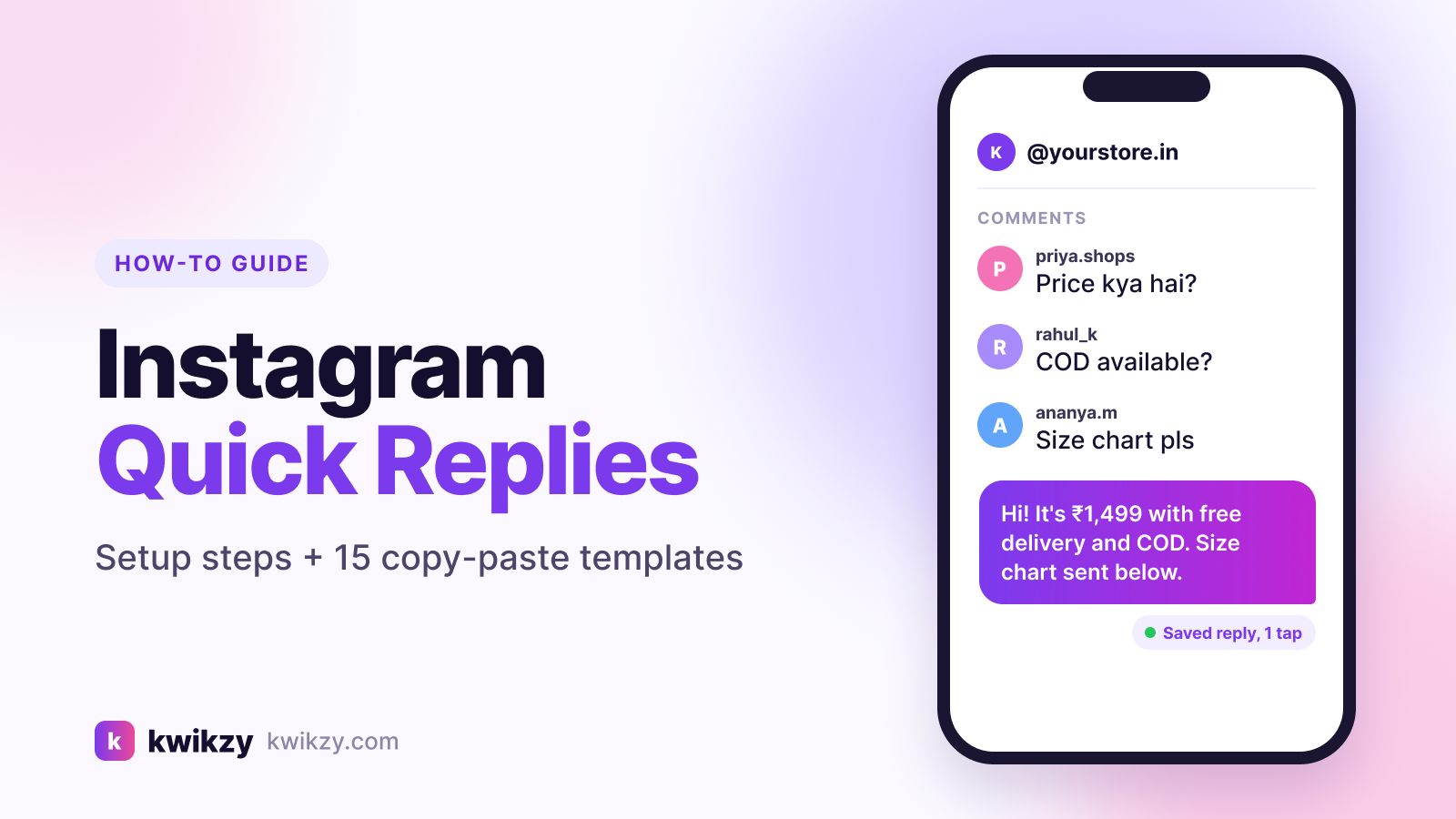
"Price?" "COD hai?" "Size chart bhejo." If you sell or create on Instagram, you probably type the same five answers fifty times a day.
Instagram quick replies fix the typing part. You write an answer once, give it a shortcut, and drop it into any DM in two taps. This guide shows you how to set them up in 2026, gives you 15 templates written for Indian creators and businesses, and explains where quick replies stop helping and automation should take over.
What are Instagram quick replies?
Quick replies are saved message templates for your Instagram DMs. Instagram now calls them Saved replies, but most people (and most search results) still say quick replies. It's the same feature.
Three things to know before you start:
- They need a professional account. Instagram says its professional inbox features, including saved replies, are only for Business and Creator accounts on the mobile app. Switching from a personal account is free.
- They're manual. Nothing is sent on its own. You open the chat, insert the reply, and press send.
- They work in DMs only. They can't reply to comments on your posts or Reels.
Official details are in Instagram's Help Center page on the professional inbox.
How to set up quick replies on Instagram (step by step)
Menu labels move around between app versions, but in 2026 the path usually looks like this:
- Open Instagram and go to your profile.
- Tap the menu (☰) and open Settings and privacy.
- Scroll to the section for professionals and tap Business tools and controls (on a Creator account it says Creator tools and controls).
- Tap Saved replies, then the + icon.
- Add a shortcut: one short word, no spaces, like
priceorcod. - Write the full message and tap Save.
Can't find it? Check that you're on a Business or Creator account, update the app, or type "saved replies" into the search bar at the top of Settings. Older app versions show it under Settings → Business → Quick replies.
Faster option: save a message you already sent
Your best replies are usually ones you've already typed. Instagram lets you hold down a message you sent, tap More, then Save, and add a shortcut. Start here and you'll have a library in ten minutes.
How to use a quick reply in a DM
- Open the conversation.
- Type your shortcut (for example
price), or type/to see your saved list. - Tap the suggestion to insert it, edit anything personal, and send.
That last edit matters. Add the person's name or the product they asked about, so the reply doesn't feel copy-pasted.
15 Instagram quick reply templates you can copy
Replace the bracketed parts before saving. Keep each reply short and end with one clear next step.
Price and product questions
price: "Hi [name]! [Product] is ₹[price] with free delivery above ₹[amount]. Want me to send the order link?"stock: "Yes, it's in stock in [sizes/colours]. Which one should I keep aside for you?"size: "Here's our size chart: [link]. Share your usual size and I'll suggest the best fit."catalog: "Here's our full catalogue with prices: [link]. Tell me what catches your eye!"
For more price-specific scripts, see our 12 DM-for-price reply templates.
Orders, payment and delivery
cod: "Yes, Cash on Delivery is available on orders up to ₹[amount]. Prepaid orders get [offer]."pay: "You can pay via UPI to [UPI ID] or use this secure link: [link]. Please share the screenshot once done."ship: "We dispatch within [X] days. Delivery usually takes [X–Y] days in metros and [X–Y] days elsewhere."track: "Here's your tracking link: [link]. Let me know if anything looks off."return: "You can return or exchange within [X] days of delivery. Here's how: [link]."
Coaches, creators and services
book: "Happy to help! Here's my calendar to book a free [20]-minute call: [link]."fees: "My [program] starts at ₹[price]. Want me to share what's included before you decide?"collab: "Thanks for reaching out! Please share your brief and budget at [email], and I'll reply within [X] days."free: "Here's the free [guide/checklist] I mentioned: [link]. Tell me if you have questions!"
General inbox
hi(rename toxhiif it pops up mid-sentence): "Hey [name], thanks for messaging! How can I help you today?"later: "Got your message! I'm away right now and will reply properly by [time]. 🙏"
Quick reply writing checklist
Quick replies vs DM automation: which do you need?
Quick replies make you faster. Automation replies for you. Here's the practical difference:
- Who sends it: quick replies need you in the inbox; automation sends on its own, even at 2 AM.
- Comments: quick replies can't touch comments; comment-to-DM automation sends a private DM when someone comments a keyword like PRICE or LINK.
- Volume: 15 DMs a day is easy by hand. 400 keyword DMs from a viral Reel isn't.
- Personal conversations: negotiations, complaints and custom orders still need a human, so quick replies win here.
Most growing accounts use both: automation for the first, predictable message, and quick replies for the real conversation that follows.
If you want the automated side, our Instagram automated messages guide covers welcome DMs and story replies, and the comment-to-DM automation guide shows how keyword triggers work.
Is automation safe for your account?
Yes, if the tool uses Meta's official API. Official tools follow Meta's messaging rules, such as replying within its messaging window, and never ask for your password. Unofficial bots that log in as you are the real risk. More in Is Instagram DM automation safe?
FAQ
Why can't I see quick replies on Instagram?
The most common reason is a personal account. Saved replies only exist on Business and Creator accounts. Also update the app and search "saved replies" in Settings, because the menu has moved over time.
Are quick replies and saved replies the same thing?
Yes. Instagram renamed quick replies to saved replies. The feature works the same way: a shortcut inserts a pre-written message into your DM.
Can Instagram quick replies send automatically?
No. You always insert and send them yourself. For messages that send on their own, you need Instagram's built-in tools (like FAQs) or an automation tool on Meta's official API.
Can I use quick replies on a computer?
The Instagram feature is built for the mobile app. If your account is linked to a Facebook Page, Meta Business Suite's inbox also has saved replies you can use on desktop.
Can quick replies answer comments on my posts?
No, they only work inside DMs. To reply to comments automatically with a DM, you need comment-to-DM automation.
How many quick replies should I create?
Start with five to eight for your most repeated questions. A short list you actually remember beats 50 shortcuts you never use.
The bottom line
Instagram quick replies are free, take two minutes to set up, and save hours of retyping. Set up your top five today using the templates above, keep them personal, and review them monthly.
When the same questions start arriving faster than you can answer them, especially from comments, that's the sign to automate the first reply. Kwikzy handles comment-to-DM, keyword triggers and follow-gating through Meta's official API, so your saved replies can focus on the conversations that need you. You can start free with 500 DMs a month.
