
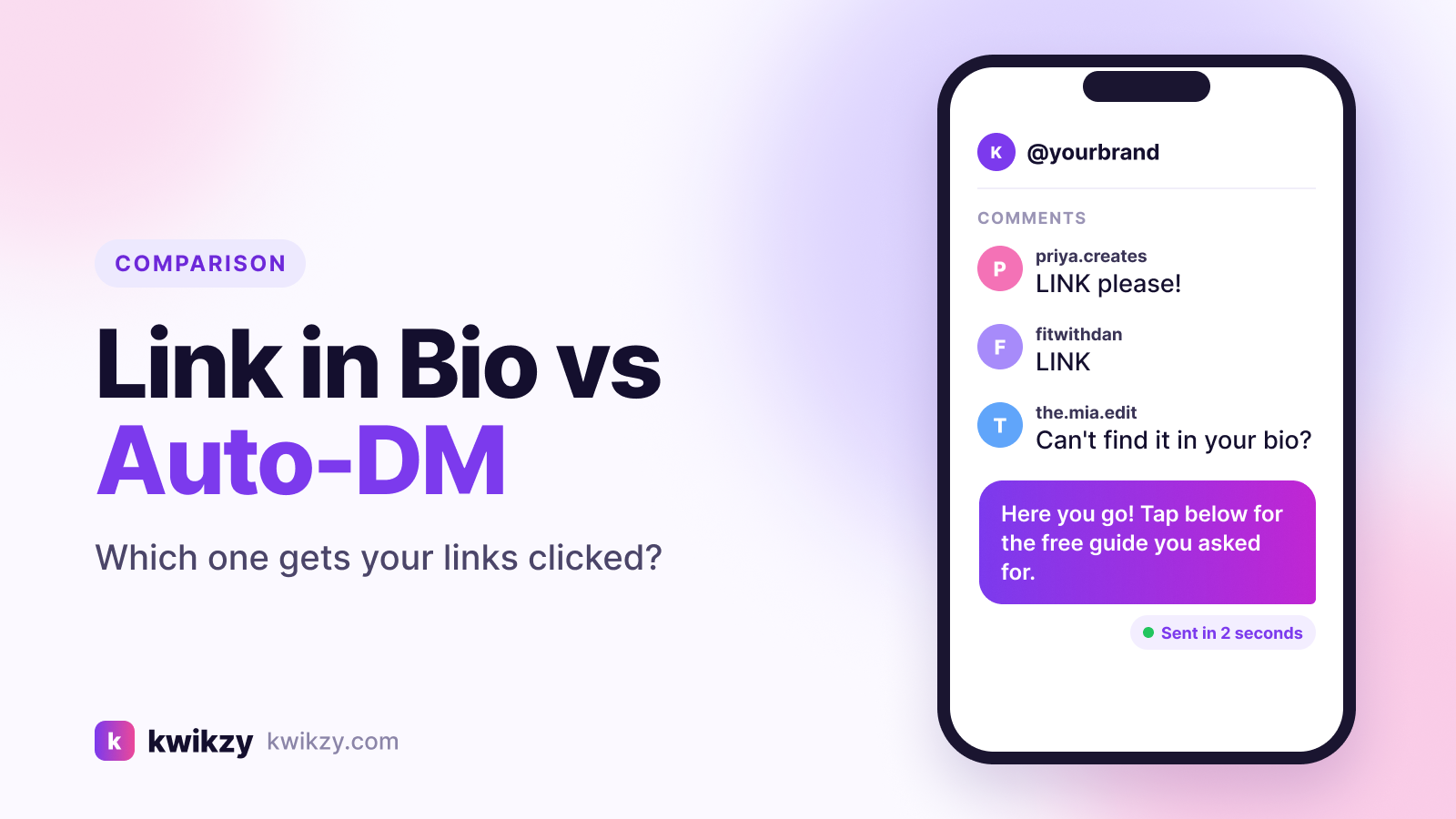
You post a Reel, it takes off, and the comments fill up with "link?" You reply "it's in my bio"… and most of those people never get there.
That gap is the whole link in bio vs DM automation debate. A bio link waits for people to come and find it. DM automation sends the link to the person who asked, inside Instagram, a few seconds after they ask. This guide explains how each one works, where each still wins, and how to set them up together so fewer clicks leak away.
Link in bio vs DM automation: the quick answer
- Use DM automation for anything you're actively promoting in a post or Reel: a freebie, a product drop, a webinar, a discount code.
- Use your link in bio as the always-on front door for people who land on your profile cold and want to browse.
- Use both together. They do different jobs, and the best-performing accounts run them side by side.
The rest of this post shows why.
How "link in bio" works (and where it leaks)
Instagram doesn't make links in captions or comments clickable. Since 2023, every account can add up to five links to its bio, and many creators point one of them at a link-in-bio page that lists everything else.
Here's the path a viewer has to take from your Reel:
- Read the caption and remember there's a link
- Tap your username to open your profile
- Tap the bio link (or the "+4" popup if you have several)
- Find the right item on your link page
- Tap it and wait for the page to load
Every step loses people. Some get distracted, some can't find which link you meant, and some just keep scrolling. And because a bio tap is anonymous, you never learn who was interested.
How DM automation works
With comment-to-DM automation, you ask viewers to comment a keyword like GUIDE or LINK. A tool connected through Meta's official API sees the comment and sends that person a private message with the exact link they wanted. If you're new to the idea, our comment-to-DM automation explainer walks through it step by step.
The viewer's path shrinks to:
- Comment the keyword
- Open the DM and tap the link
A few platform rules worth knowing (from Meta's private replies documentation):
- The automated reply must be sent within 7 days of the comment.
- Only one private reply can be sent per comment, so make that first message count.
- If the commenter doesn't follow you, the DM lands in their message requests folder rather than their main inbox. A public reply under their comment ("Sent! Check your DMs") helps them find it.
Side-by-side comparison
| Link in bio | DM automation | |
|---|---|---|
| Steps to the link | 4–5 | 2 |
| Link matches the post | Only if they find the right one | Yes, every time |
| Works for profile visitors | Yes | No, needs a comment or DM |
| Tells you who was interested | No | Yes, you get a named contact |
| Can follow up later | No | Yes, within Instagram's messaging rules |
| Boosts post engagement | No | Yes, every keyword is a comment |
| Setup effort | Low | Low to medium |
Is link in bio dead?
No. It's just doing a different job now.
Your bio link is still the best place for people who discover you through search, Explore or a tag and want to look around: your shop, your newsletter, your booking page, your latest video. A good link-in-bio page with clear buttons still earns clicks every day.
What has faded is using "link in bio" as the call to action for a specific post. When you're promoting one thing, sending people on a five-step hunt is the weakest option you have.
When DM automation wins
- Lead magnets. "Comment CHECKLIST and I'll send it" delivers the PDF and can ask for an email in the same chat.
- Product posts. Each Reel can send its own product link, so nobody lands on your homepage and gets lost.
- Launches and limited offers. Speed matters, and a DM arrives while interest is high.
- Price questions. Instead of typing the same answer 200 times, a keyword reply handles it. Our DM for price templates show what to send.
- Posts that already get lots of comments. Turning those comments into conversations is the easiest win available.
When link in bio wins
- Evergreen browsing. People who want "everything you offer" in one place.
- Profile visitors who never comment. Lurkers are real, and they still deserve an easy path.
- Many destinations at once. Shop, podcast, YouTube, contact form and more, organised on one page.
- Off-Instagram traffic. The same page works when you share it on other platforms.
How to use both together (a simple setup)
- Build one clean link-in-bio page. Put your 3–5 most important destinations at the top with plain button labels.
- Pick one keyword per campaign. Short, single words in caps work best: GUIDE, LINK, PRICE, PLAN.
- Put the keyword in three places: the caption, on-screen text, and spoken in the video if there is one.
- Write a first DM that delivers immediately. Thank them, give the link, and say what they'll get. Save questions for after the link.
- Turn on a public comment reply like "Sent! Check your DMs (and message requests)" so commenters know where to look.
- Add your bio link as a backup at the end of the caption for people who'd rather not comment.
- Track clicks per campaign so you can see which posts actually drive results.
Pre-launch checklist
Want more comments to feed the automation? See how to get more comments on Instagram without engagement bait.
FAQ
Is DM automation better than link in bio?
For promoting a specific post or offer, usually yes, because it removes most of the steps between interest and the link. For general browsing by profile visitors, a link-in-bio page still does the job better. Most accounts should use both.
Can you send a clickable link in an Instagram DM?
Yes. Links in DMs are clickable, unlike links in captions and comments. Automation tools can also send them as buttons, which are easier to tap.
Is Instagram comment-to-DM automation allowed?
Yes, when it runs through Meta's official API and only messages people who commented or messaged you first. We cover the details in Is Instagram DM automation safe?
How many links can I add to my Instagram bio?
Instagram lets you add up to five external links in your bio. If you need more, or want click analytics and better design, use a link-in-bio page as one of those links.
Why didn't someone receive my automated DM?
The most common reasons are a misspelled keyword, the comment being older than 7 days when the automation was switched on, or the DM sitting in their message requests because they don't follow you.
Do I still need a Linktree-style tool if I use DM automation?
You still need somewhere for profile visitors to land. Some tools, including Kwikzy, bundle a link-in-bio page with DM automation so you don't need two subscriptions. Our Linktree vs ManyChat vs Kwikzy comparison breaks down the options.
The bottom line
Link in bio and DM automation aren't rivals. Your bio link is the front door for browsers; DM automation is the fast lane for people who already said "I want this." If you're still ending every post with "link in bio," switching your next promotion to a comment keyword is one of the simplest ways to get more of those people to actually click.
Kwikzy gives you both in one place: comment-to-DM and keyword automation through Meta's official API, plus a free link-in-bio page. You can start free or compare plans.
