
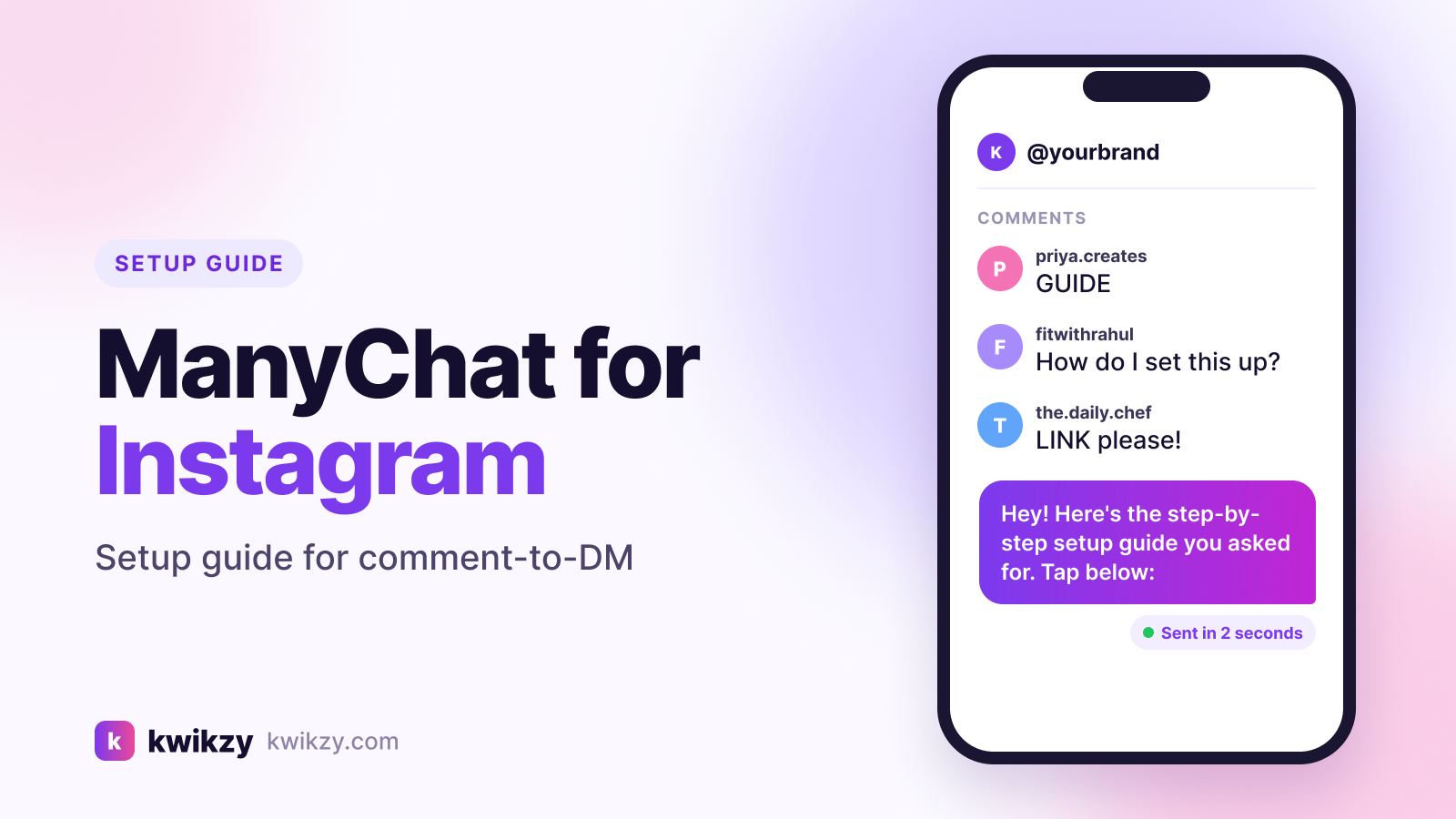
ManyChat for Instagram is the most popular way to auto-reply to comments and DMs, but the setup trips up a lot of creators. The account type is wrong, the Facebook Page isn't linked, or one hidden Instagram toggle is off, and the automation sits at zero runs.
This guide walks through the full ManyChat Instagram setup: what you need first, how to connect your account, how to build a comment-to-DM automation, which plan you need, and the mistakes that stop it working. At the end, there's an honest comparison with a simpler Instagram-only option.
Steps and prices checked in November 2026. ManyChat updates its interface often, so labels may differ slightly in your account.
Before you start: 3 prerequisites
Get these right and most connection errors disappear.
1. A Professional Instagram account
ManyChat only connects to Business or Creator accounts. Personal accounts can't be connected. To switch, open Instagram → Settings → Account type and tools → Switch to professional account. It's free and takes a minute.
2. A linked Facebook Page (recommended)
ManyChat offers three ways to connect: Via Meta, Via Instagram and Via Meta Business Suite. ManyChat's Help Center recommends the Meta route, and in the ManyChat community the most common fix for "Your account might not support this method yet" is to link your Instagram account to a Facebook Page first and connect through Meta. If you connect via Meta Business Suite, you need Admin access with full control of that Page.
3. "Allow access to messages" switched on
In the Instagram app, go to Settings → Messages and story replies (or Privacy → Messages, depending on your app version) → Connected tools, and turn on Allow access to messages. Without it, ManyChat can't read or send DMs, even if the connection looks fine.
How to connect Instagram to ManyChat
- Sign up at manychat.com (or log in) and open Settings in the sidebar.
- Choose Instagram from the channel list and click Connect.
- Pick a connection method. Choose Via Meta if your account is linked to a Facebook Page.
- Log in with the Facebook profile that manages the Page, select the Page and Instagram account, and approve every permission. Unticking a permission is a common cause of broken automations later.
- Back in ManyChat, confirm the Instagram account shows as connected.
If you get stuck in a connection loop, ManyChat's own guide on connecting Instagram covers the less common cases, such as accounts already linked to another ManyChat workspace.
ManyChat comment-to-DM: step-by-step setup
Comment-to-DM is why most creators use ManyChat on Instagram: someone comments a keyword like GUIDE on your reel and instantly gets a DM with the link.
- Go to Automations → New Automation. Either pick the ready-made Auto-DM links from comments template or start from scratch.
- Add the trigger User comments on your Post or Reel.
- Choose which content it watches: a specific post or reel, all posts and reels, or your next post or reel. "Next post" is handy when you build the automation before publishing.
- Set your keywords (for example GUIDE, LINK, PRICE) or choose Any comment. Short, single-word keywords work best. Our list of Instagram comment keywords has 50 ideas.
- Optional: turn on a public reply under the comment, such as "Sent! Check your DMs." Add 2–3 variations so it doesn't look robotic.
- Write the opening DM. Keep it short and add a button ("Send me the link"). The tap starts a real conversation, which helps your message get delivered.
- Add the delivery message with your link, freebie or offer.
- Optional: add follow-gating (ask people to follow before they get the link) or an email capture step.
- Switch the automation to Live.
- Test it from a second account that has never commented on that post.
Which ManyChat plan do you need for Instagram?
ManyChat bills by Active Contacts: each person you interact with in a month counts once. As of November 2026, US prices are:
| Plan | Monthly billing | Annual billing (per month) | Active Contacts / month |
|---|---|---|---|
| Free | $0 | $0 | 25 |
| Essential | $17 | $14 | 250 |
| Pro | $39 | $29 | 2,500 |
| Business | $99 | $69 | 7,500 |
The Free plan is fine for testing one or two automations, but 25 contacts runs out fast. We cover it in detail in ManyChat free plan limits. For regular comment-to-DM campaigns, most creators land on Essential (small accounts) or Pro (anyone posting reels several times a week). Paid plans add overage fees per extra contact, so a viral reel can raise your bill. See our full ManyChat pricing breakdown for worked examples.
6 common ManyChat Instagram mistakes
Still stuck? Our guide to Instagram auto DM not working has 10 quick fixes that apply to any tool.
ManyChat vs Kwikzy: an honest comparison
ManyChat is a powerful, multi-channel platform. If all you need is Instagram comment-to-DM, a lighter tool may be easier and cheaper.
| ManyChat | Kwikzy | |
|---|---|---|
| Channels | Instagram, Messenger, WhatsApp, TikTok, Telegram, SMS, email | Instagram only |
| Automation style | Visual flow builder with branching, conditions and AI (Pro and up) | Simple keyword → DM rules |
| Comment-to-DM and keywords | Yes | Yes |
| Follow-gating | Yes (Essential and up) | Yes |
| Billing | Per Active Contact, with overage fees | Flat monthly price |
| Free plan | 25 Active Contacts / month | 500 DMs / month |
| Paid plans from | $17/month ($14 annual) | $10/month, then $15 and $30 |
| Official Meta API | Yes, Meta Business Partner | Yes, Meta Business Partner |
Choose ManyChat if you run several channels, need complex branching flows, AI replies or CRM integrations.
Choose an Instagram-only tool like Kwikzy if you mainly want "comment a keyword, get the link" with a quick setup and a bill that doesn't jump when a reel takes off. Kwikzy also includes a bio-link page. See the full side-by-side on our ManyChat alternative page.
FAQ
Does ManyChat work with Instagram?
Yes. ManyChat is an official Meta Business Partner and automates Instagram comments, DMs, story replies and Live comments through Meta's official API, as long as you use a Business or Creator account.
Can I use ManyChat with a personal Instagram account?
No. You need a Professional (Business or Creator) account. Switching is free in Instagram's settings, and your content and followers stay the same.
Do I need a Facebook Page to use ManyChat on Instagram?
Not always, since ManyChat also offers a direct "Via Instagram" connection. But linking a Facebook Page and connecting via Meta is the most reliable route and fixes many connection errors.
Is ManyChat free for Instagram?
There's a free plan with 25 Active Contacts a month and a limited number of live automations. It's good for testing, but most active creators need a paid plan.
Why is my ManyChat comment automation not working?
The usual causes are testing with an account that already commented on the post, "Allow access to messages" being off, missing permissions, or the post being a dark ad or someone else's collab post.
Is there a simpler alternative to ManyChat for Instagram?
Yes. Instagram-focused tools such as Kwikzy handle comment-to-DM, keyword triggers and follow-gating with simpler setup and flat pricing. Make sure any tool you pick uses Meta's official API.
The bottom line
ManyChat for Instagram works well once three things are in place: a Professional account, a linked Facebook Page and "Allow access to messages" switched on. From there, a comment-to-DM automation takes about ten minutes. Pick your plan based on your busiest month, not your average one.
If Instagram is your only channel and you just want comments turned into DMs, try Kwikzy free and see which setup fits you better.